BigCommerce Integration
Learn how to integrate BigCommerce with TrueLoyal in few steps.
Plugin-integrated features
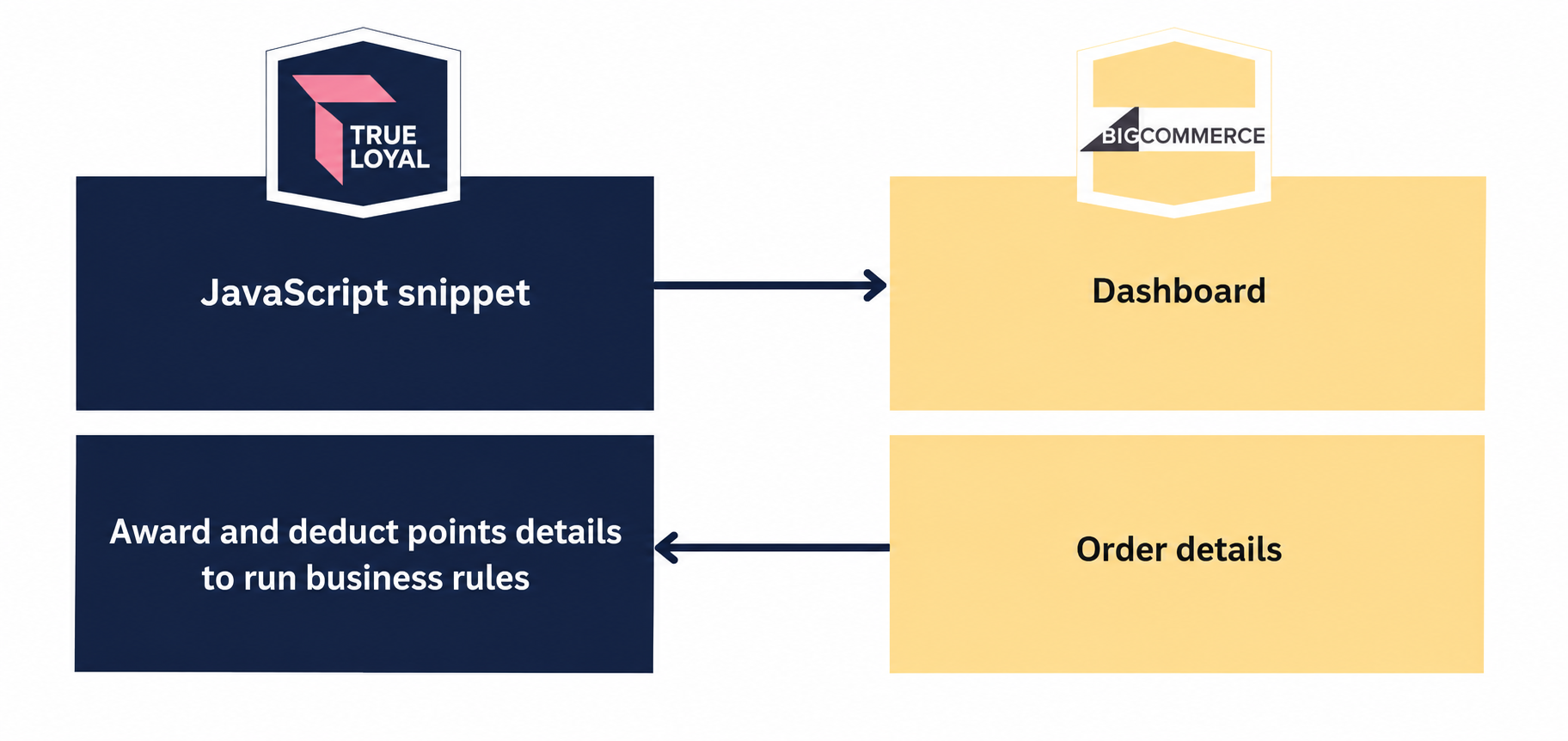
The detailed view is mentioned here.
Installation Process
Integrating TrueLoyal on your BigCommerce store is really simple. Follow the easy 4 steps given below to activate and get started with your loyalty rewards program in a matter of a few minutes.
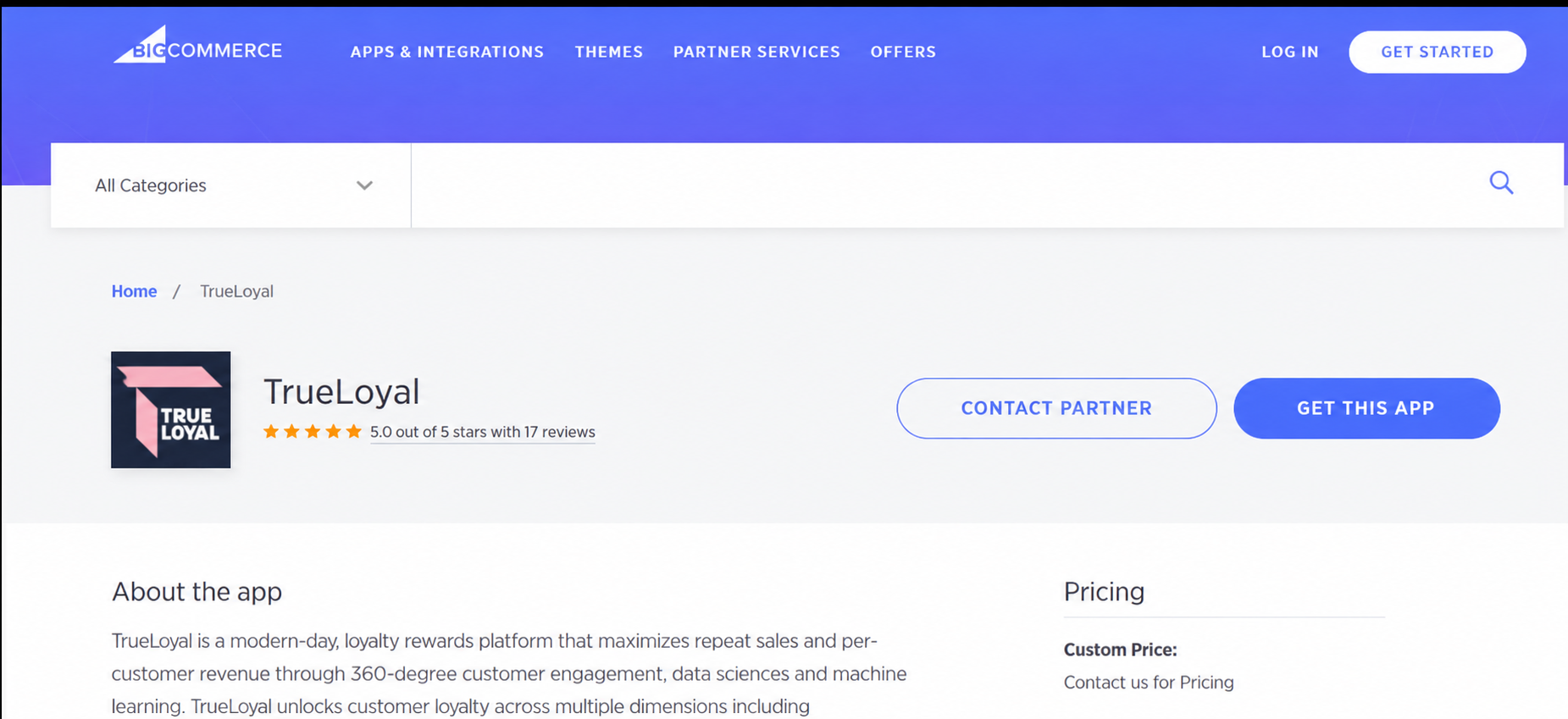
Step 1: Log in to your Big Commerce admin and search for the TrueLoyal app in the Apps Marketplace.
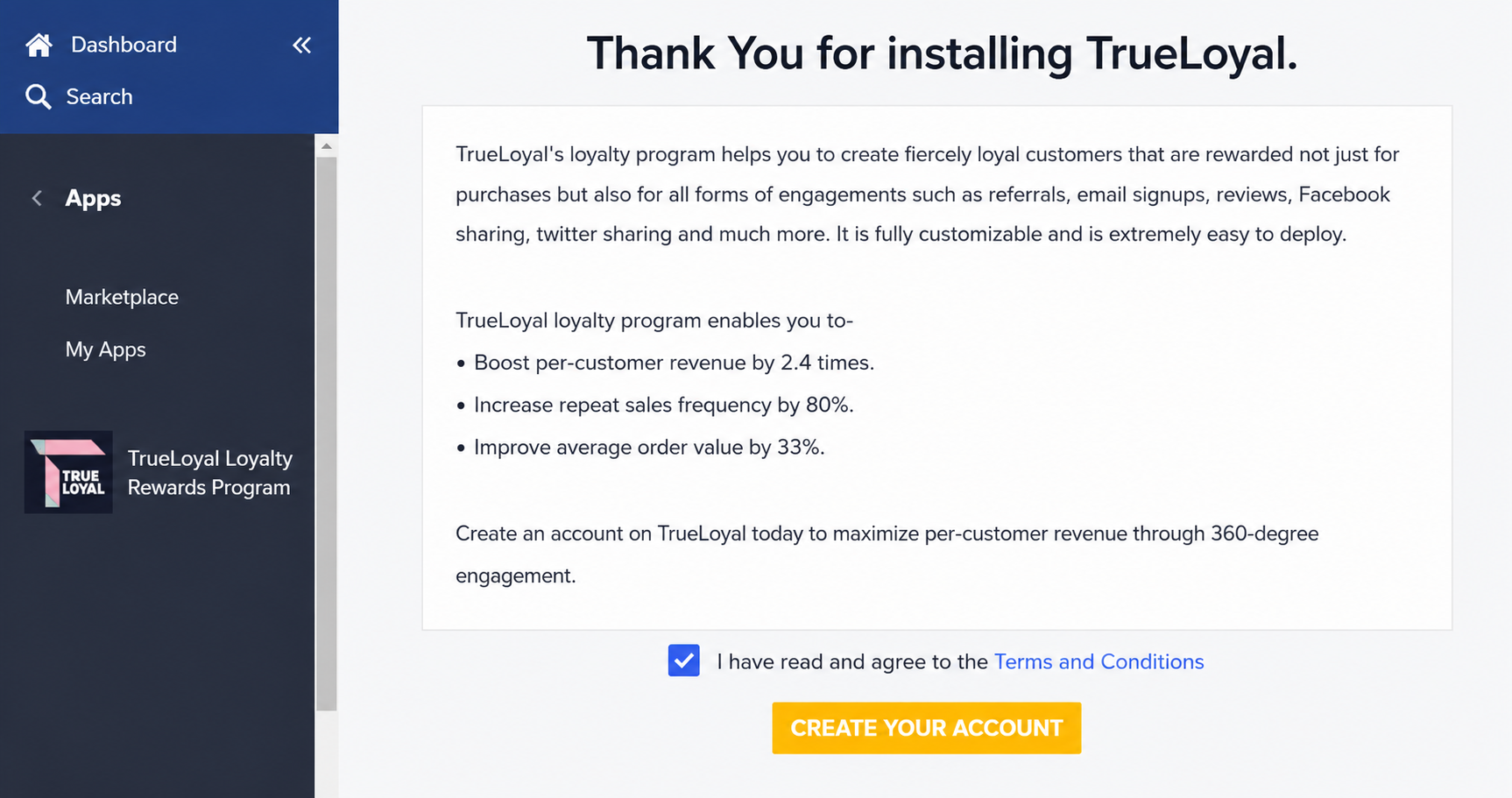
Step 2: On Installing the app, your TrueLoyal Partner ID is generated. To complete the rest of the setup you will be directed to the TrueLoyal console. In case you already have a TrueLoyal account, update the auto-generated Partner ID with your TrueLoyal Partner ID in both the JavaScripts.
Step 3: If you are new to TrueLoyal, use the Sign-up link to register your Store on TrueLoyal and configure your program. A setup wizard will guide you through the account setup.
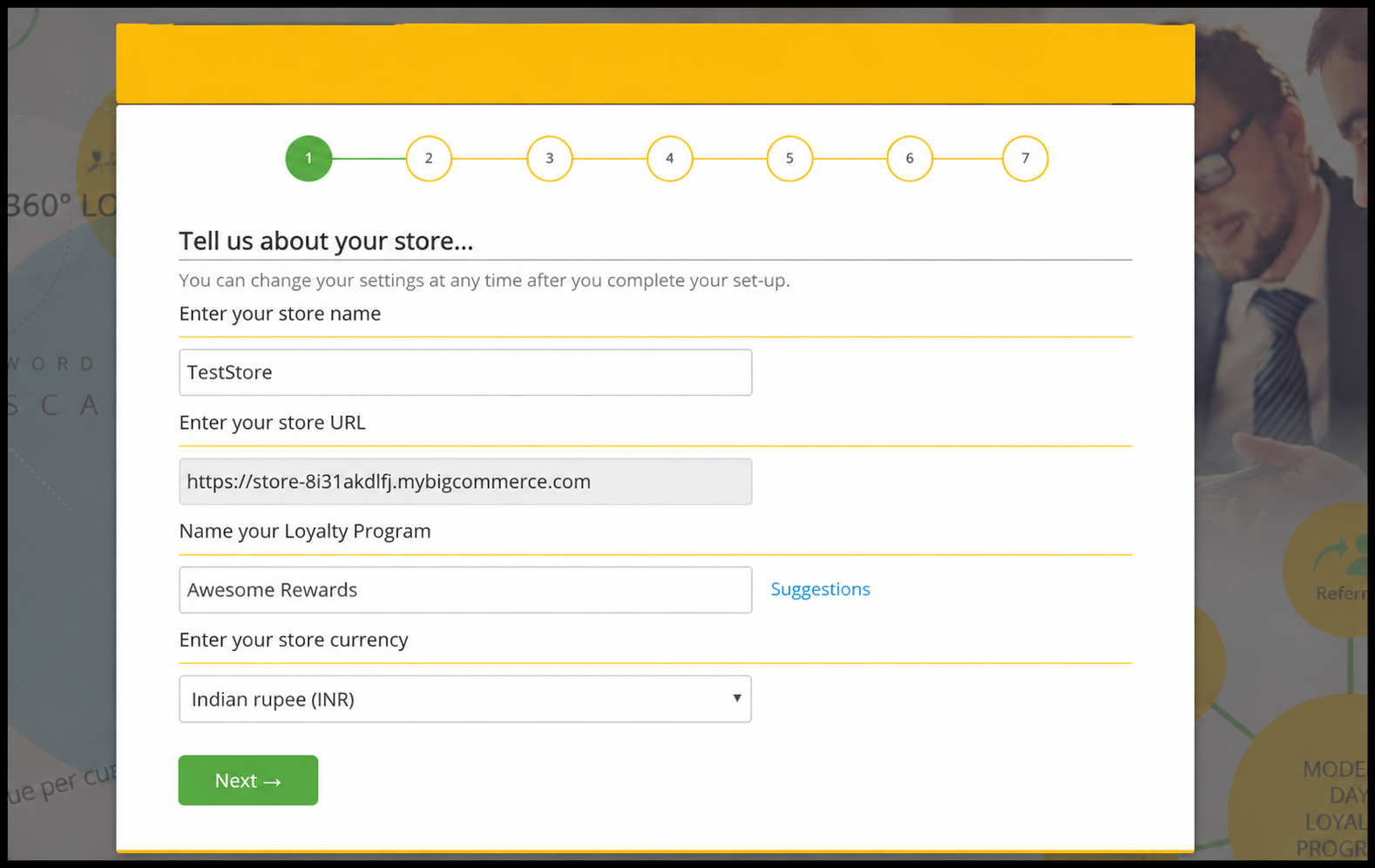
Step 4: Configure your program in the TrueLoyal admin console. Once you are ready, you can activate your program from the TrueLoyal console.
Integrated plugin features
| Requirement | Description | Availability |
|---|---|---|
| Member identifier customization | Is it possible to customize a member's email address with another member identifier, such as 'Customer ID,' 'GUID,' 'Phone Number,' or similar options? | No |
| Purchase Tracking | The Purchase tracking passes the data for each purchase to Zinrelo. This enables Zinrelo to award points for purchases. | Yes |
| Purchase Tracking on - paid or shipped | This is when points are awarded to members—when the order is paid or shipped. | Yes |
| Return Tracking | The Return tracking passes the data for each return to Zinrelo. These returns are correlated against an earlier corresponding purchase. This Returns Tracking enables Zinrelo to deduct points for returned purchases. | Yes |
| Coupon codes for rewards | The coupon codes are auto-generated for redeeming the rewards. | Yes |
Please Note:If you want to incorporate additional features into your cart beyond these, please reach out to your account manager.
To know about BigCommerce in-cart rewards, refer to this document.
Updated about 2 months ago