
Modify a pending Award Transaction with Transaction ID

Modify a pending Award Transaction with Transaction ID

Recent Requests
Log in to see full request history
TimeStatusUser Agent
Retrieving recent requests…
LoadingLoading…

The API Rate Limiting Category is Write API. This endpoint will modify a pending award transaction . There will be no change in the status of the transaction. However, the value of the attributes may change. You are not allowed to change a transaction that has already been approved or rejected.

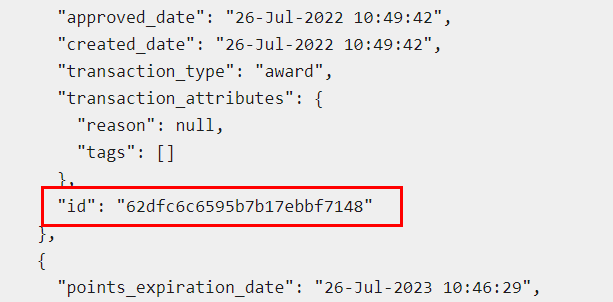
It is expected that the system calling the API knows what the id of the transaction is- which means they’d have to store the id at their end. This may be counter intuitive.

Note: You can get a Transaction ID through List all Transactions API. It is the unique ID that every transaction is associated with.
Path Params
string
required
Defaults to 62dfc6c6595b7b17ebbf7148

Enter transaction ID.

Query Params
string

One of the store languages, for example english/ italian/ german, etc.

Body Params
json

Every award activity can be modified using this API. You can change the custom attributes for each activity as well as the predefined attributes.

Let's take the example of made_a_purchase activity:

Mandatory attributes are order_total and order_subtotal.

A sample structure of the transaction_attributes for the made_a_purchase activity is given below:

{
"tags" : ["tag1","tag2"],
"reason" : "purchase",
"coupons" : "$5OFFVYZ",
"order_total" : "1000",
"order_subtotal" : "1000",

"products" : [{
"product_id": "112",
"product_quantity": "1",
"product_category": "tshirt",
"product_price": "15",
"product_title": "Sweatshirt",
"product_image_url": ""
},

{
"product_id": "980",
"product_quantity": "2",
"product_category": "Sales",
"product_price": "10.017",
"product_title": "Pant",
"product_image_url": ""
}]

}

Note: You cannot modify the upload_a_photo, submit_a_receipt and code_submission activities.

We are also accepting product quantities in decimal values.

string
Responses

Language
Credentials
LoadingLoading…
Response
Click Try It! to start a request and see the response here! Or choose an example:
application/json